AI for E-commerce: Where It Pays and Where It Doesn't
AI for small e-commerce: support triage, product copy and order updates, with real 2026 pricing and the per-resolution math that decides when it actually pays.
Filed under Decision Guides· see every report on this topic
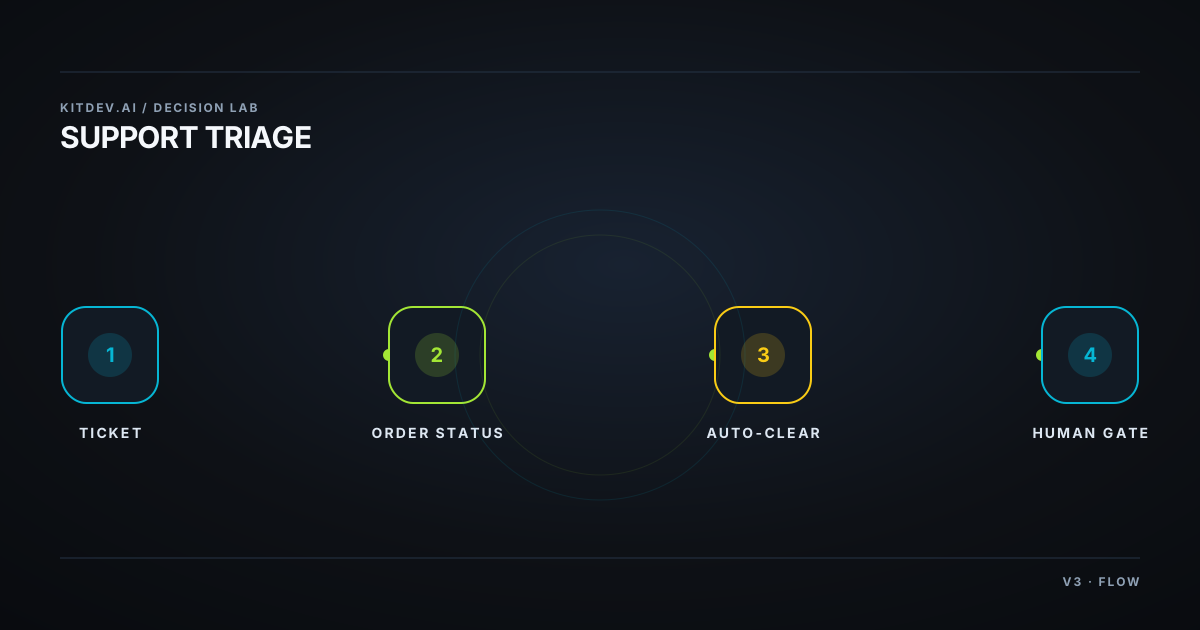
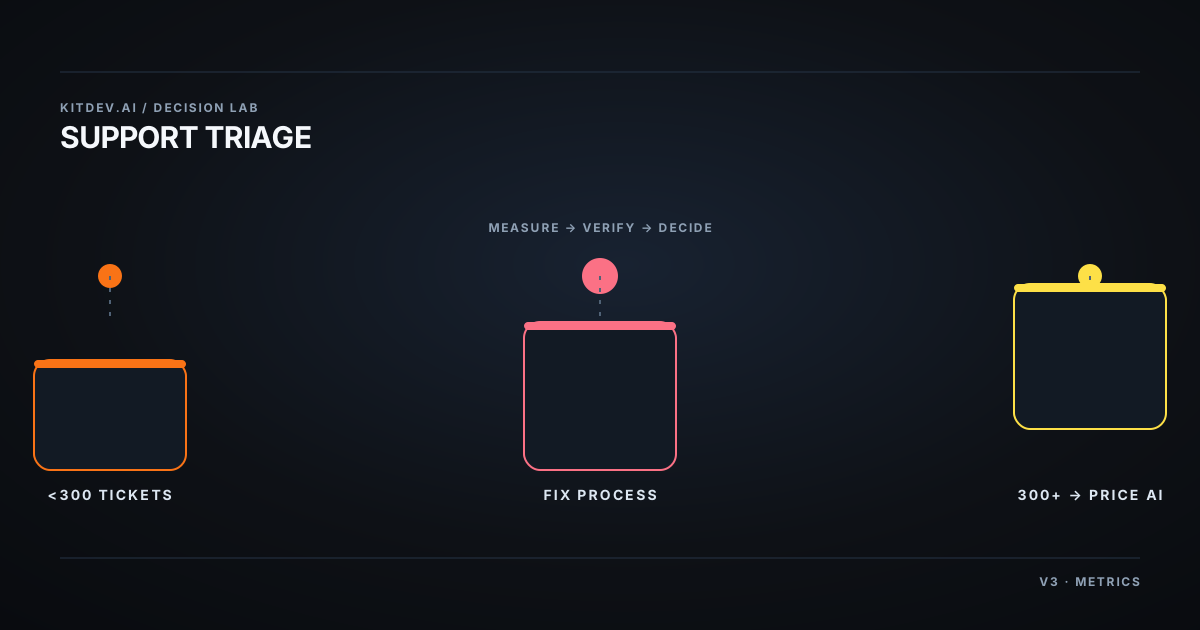
Under roughly 300 support tickets a month, use the AI already included with your platform and fix the support leaks first. A per-resolution support agent is a volume purchase. Automate order-status questions first, or wait.
Proof status. Prices came from vendor pricing pages on 21 August 2026 and each figure is linked. Secondary-source figures say so. Ticket mix and labour cost in the example are assumptions, not measurements. Replace them with your own. Vendor prices move, so check the links before committing.
The operator and the leak
Maya runs a home-goods Shopify store with roughly 400 SKUs, about 1,800 orders a month, and two people who fit support around other work. She is not drowning. Vendors are pitching. This is not a “15 best AI tools for Shopify” list.
Four questions eat the mornings:
- “Where is my order?” It is the most common and the order data can answer it.
- “Can I change/cancel this?” It is time-sensitive; a wrong answer costs money.
- “Does this fit / what’s it made of?” The product page already holds the answer.
- Returns and exchanges. These follow policy, repeat often, and can become emotional.
Three jobs are repetitive and low-judgement. One is time-sensitive and expensive to get wrong. That ticket mix matters more than a tool feature grid.
Separate copy work from support work
| Job | What happens | Cost and risk |
|---|---|---|
| Catalogue and copy | Product descriptions, alt text, meta descriptions, subject lines | Cheap, low risk, usually bundled |
| Support deflection | Agent reads, finds an order, replies without a human | Per resolution; most spend is here |
| Order-status automation (WISMO) | Look up order, read tracking, reply | High volume, low risk, narrow |
Most stores buy support deflection when WISMO is the actual job.
Compare the four options
| Approach | Good for | Cost shape | Catch |
|---|---|---|---|
| Built-in platform AI (Shopify Magic / Sidekick) | Copy, store questions, admin | $0 extra | Does not resolve support tickets |
| Helpdesk + AI agent (Gorgias, Intercom Fin) | Ticket deflection at volume | Base plan + resolution fee | Same ticket can bill twice |
| Chat-first AI (Tidio/Lyro and similar) | Pre-purchase, lower volume | Lower monthly floor, capped conversations | Weak with live order data |
| Fix the process first | Stores under ~300 tickets/mo | $0 | It is unglamorous. It is often right. |
Price the support agent
Shopify plans cost $39 / $105 / $399 per month for Basic / Grow / Advanced in US monthly pricing; annual pricing is roughly 25% less. Shopify Magic and Sidekick are included at no additional cost on every tier. Its plan page lists “Sidekick, AI assistant for commerce” as a core feature. (Shopify pricing, page geolocates; USD figures are secondary.)
| Product | Published price | Billing detail |
|---|---|---|
| Intercom Fin | $0.99 per outcome; $49/month base includes 50 resolutions | Resolution or procedure handoff bills once per conversation; lead qualification costs more. Fin pricing docs |
| Gorgias | $10 / $60 / $360 / $900 per month for 50 / 300 / 2,000 / 5,000 tickets | AI Agent adds $0.90–$1.00 per conversation; overage $0.32–$0.40. (secondary; check Gorgias pricing) |
| Tidio | Free $0 (50 conversations); Starter $24.17/mo; Growth from $49.17/mo; Plus from $300/mo | Growth covers up to 2,000 conversations; Lyro add-on starts at $32.50/mo. Tidio pricing |
Maya’s 1,800 orders produce roughly 270 tickets a month, assuming a 15% contact rate. Measure yours. On a Gorgias-style plan, that is the $60 tier. Assume the AI resolves 45%. Intercom case studies put Fin’s real-world resolution rate at 42–50% (secondary), so 45% is a planning number, not an 80% sales-deck claim.
| Input | Math | Result |
|---|---|---|
| AI resolutions | 270 tickets × 45% | ≈ 122 |
| AI fee | 122 × ~$0.95 | ≈ $116/month |
| Support stack | $116 AI fees + $60 base | ≈ $176/month |
| Labour replaced | 122 × 4 minutes = 8.1 hours; 8.1 × $20/hour | ≈ $162 |
At this volume, the tool costs slightly more than the labour it removes, before Maya configures it. Higher volume helps amortise the base fee. A more repetitive mix raises resolution. Tickets that need judgment leave a human doing cleanup after the paid AI attempt.
Put hard gates on the risky cases
Helpdesk-plus-agent pricing can bill the ticket and the resolution fee for one conversation. Model the invoice as base + (tickets × resolution rate × per-resolution fee), not a flat subscription.
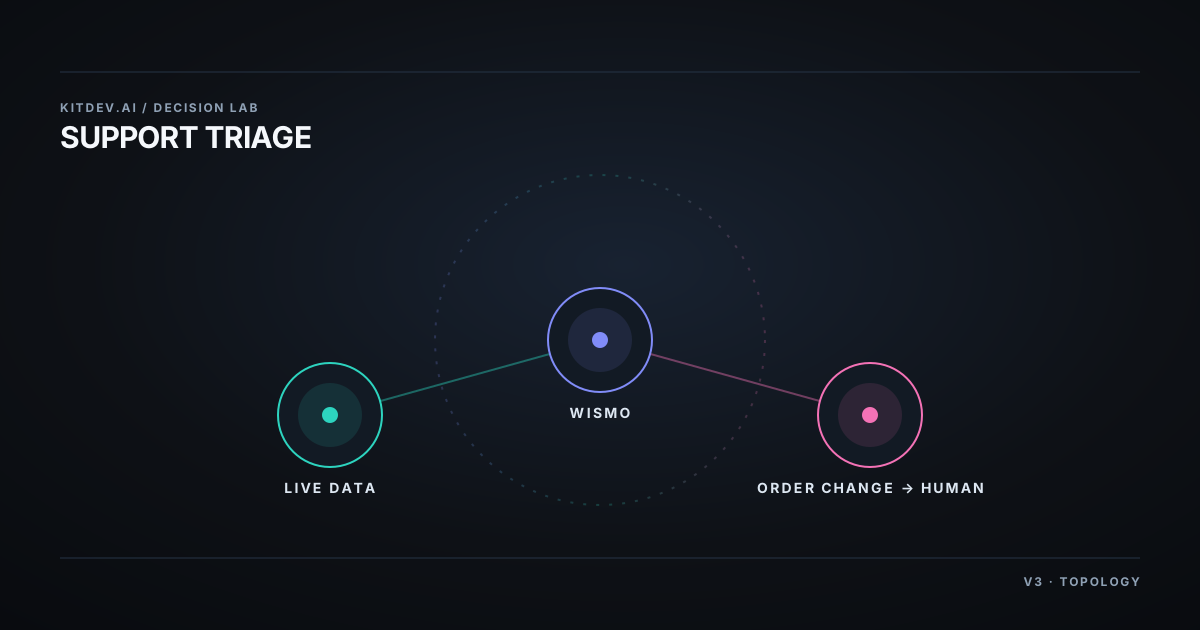
Order changes need a human gate. “Can you cancel it?” can have a real deadline; saying yes after the warehouse picked the order can create a refund, return shipment, and an angry customer.
A vendor may count a resolution when the customer stops replying. Customers also stop replying when they give up. Watch re-open rate and follow-on ticket rate, not only a deflection dashboard. An hourly catalogue index can also answer “is this in stock” incorrectly during a sales spike.
Do not publish raw bulk-generated copy over hundreds of near-identical SKUs. It produces thin, duplicative pages. Generate a draft, then edit it.
6. Spend $0 before buying an agent
Under roughly 300 tickets a month, make these changes first:
- Put tracking in the shipping-confirmation email, header order lookup, and order-status page. A large share of WISMO traffic starts with a buried email.
- Answer fit and material questions on the product page. Twenty identical monthly questions point to a page defect.
- Write the returns policy in plain English and link it in three places.
- Use helpdesk macros before agents. Canned replies have zero marginal cost and do not invent refund policy.
If tickets still hurt after that, run the resolution math. The ticket mix will be cleaner too.
Bottom line
My take: use platform AI already included in the plan. Fix the four process leaks that create most tickets. Then compare a per-resolution agent with your measured ticket mix. Below ~300 tickets a month, the math usually does not support a dedicated support agent.
More on this decision, three ways to look at it:
Related posts
Agency Reporting: $0 Looker Studio Before Paid Tools
Client reporting for agencies: the free Looker Studio floor, the per-client math on paid tools, and why fixing inconsistent inputs beats any AI commentary.
LLM API Pricing for a Micro-SaaS: Price the Workload
Price LLM APIs by successful workflow, using dated token rates, a 100,000-completion cost fixture, batch discounts, and explicit self-hosting limits.
n8n Pricing vs Zapier vs Make: What You're Billed Per
Compare n8n execution pricing with Make operations and Zapier tasks using 2026 plan prices, a worked unit-cost model, and self-hosting limits for operators.
Get the next verdict before it's everywhere.
One email when a new lab post or cost table ships. No spam, no confirmation step — unsubscribe anytime.